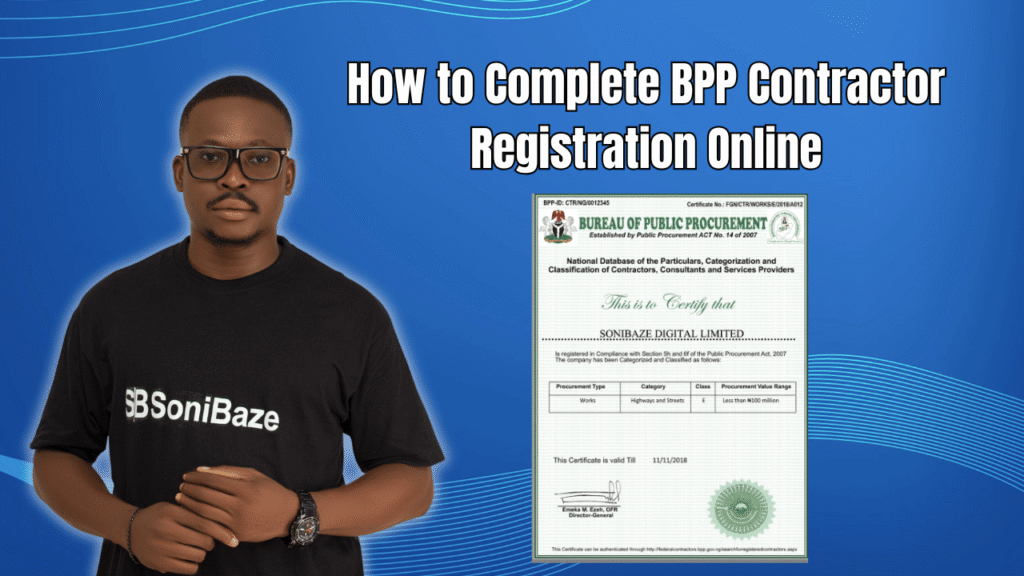
The BPP contractor registration portal is one of the more user-friendly government systems in Nigeria. It is fully online, there is no payment required, and the steps follow a logical sequence. What trips people up is not the portal itself. It is going in without the right documents, using an email address they cannot immediately access, or entering information that does not match their CAC records.
This article takes you through the online registration process screen by screen, so you know exactly what to expect at each stage.
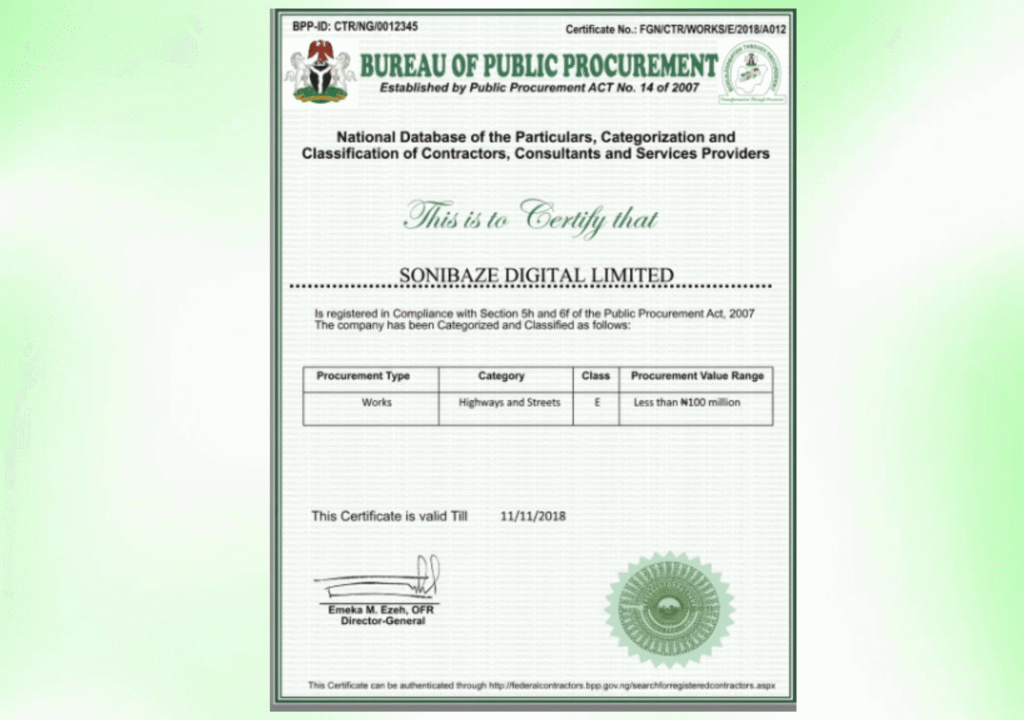
Obtain Your BPP Certificate
Let us help you obtain your Bureau of Public Procurement (BPP) Registration Certificate quickly and hassle-free. Our experts provide reliable support throughout the registration process, ensuring your business is ready to participate in public procurement opportunities.
The Portal: Where to Go
The official BPP contractor registration portal is at federalcontractors.bpp.gov.ng. This is the National Database for the Registration, Categorisation and Classification of Federal Contractors, Consultants and Service Providers, maintained by the Bureau of Public Procurement.
Do not use any other website. Some third-party compliance platforms link to the BPP system or offer to handle registration on your behalf, which is fine as a service, but your actual registration must exist on the BPP portal. That is the only record procurement officers check when evaluating your bids.
If you registered before May 2018, you do not need to create a new account. Log in with your existing credentials and your information will migrate to the current database automatically.
Before You Click Register: What to Have Ready
Going into the portal without these items means stopping halfway through to gather documents, which can cause session timeouts and force you to start over.
Have your CAC Registration Number ready. Have your FIRS Tax Identification Number ready. Know your company type, whether you are registering as a contractor, consultant, or service provider. Have a working email address you can check immediately, since your login credentials are sent there. Know the physical address of your registered office as it appears on your CAC documents.
One important clarification from BPP’s own portal: companies with fewer than 15 employees are not required to provide a PENCOM compliance certificate as part of the registration. If your company is below that headcount, you can proceed without it.

Stage One: Creating Your Company Account
Click “Register Now” on the portal homepage. The first screen asks for your basic company information: your CAC registration number, your company type, your FIRS TIN, your company address, and your contact details.
Enter everything exactly as it appears on your official documents. The name you enter here will be cross-checked against CAC records during verification. A single character difference, an extra space, a missing punctuation mark, can flag your application for manual review.
The email address field matters more than most people realise. This is where BPP sends your login credentials, and it is the address the system uses for all communication about your registration. Use an address that is active, regularly checked, and accessible to someone in your company who will handle this process from start to finish.
Once you submit this first form, check your inbox. Your temporary username and password arrive shortly. If nothing comes after 30 minutes, check your spam folder before assuming the system failed.
Stage Two: Logging In and Building Your Full Profile
Use the temporary credentials from your email to log in to the portal. From here, you fill out the full company profile. This section covers several categories of information.
Directors and Shareholders. Enter the names, positions, and relevant details for all directors and shareholders. These must match your CAC status report precisely. Any mismatch will surface during verification.
Key Personnel. List the people responsible for delivering your company’s services. Include their names, roles, qualifications, and years of experience. BPP uses this section to assess whether your company has the human capacity to handle the type of contracts you are registering for.
Business Category. Select the categories that describe your company’s work. Options include contractor, consultant, and service provider, with further subcategories within each. If your company covers more than one area, select all that apply. You are not required to register separately for each category.
Professional Association. If your sector requires membership of a professional body, enter those details here. This applies to engineering firms, IT companies, legal practices, and others where professional registration is a standard industry requirement.
Financial Capacity. This section asks for evidence of your company’s financial standing. Audited financial statements or bank statements are the typical supporting documents. The figure you present here signals to BPP what size of contract your company can realistically handle.
Compliance Documents. Upload your ITF and NSITF certificates here. If your company has 15 or more employees, upload your PENCOM compliance certificate as well. Tax clearance certificates covering the most recent three years of assessment are also required at this stage.
Completed Jobs. Enter records of projects your company has previously delivered. Include the client name, project description, value, and dates. This section establishes your track record and is particularly important for companies bidding for contracts in specialised or regulated sectors.
Manufacturer Representation. If your company distributes or resells products made by another manufacturer, enter those details here. This applies to companies supplying equipment, chemicals, vehicles, software licences, or any branded goods they do not produce themselves.
Obtain Your BPP Certificate
Let us help you obtain your Bureau of Public Procurement (BPP) Registration Certificate quickly and hassle-free. Our experts provide reliable support throughout the registration process, ensuring your business is ready to participate in public procurement opportunities.
Stage Three: Uploading Your Documents
After filling out the profile sections, the portal asks you to upload supporting documents. Each document should match the information already entered in the profile.
Keep files under the size limits specified by the portal. PDF format is generally the safest option for official documents. Name your files clearly before uploading so the reviewer can identify each one without opening it.
Do not upload documents that are expired, partial, or hard to read. A blurry scan of a tax clearance certificate is not the same as a clear one, and it can result in a verification query that delays your certificate by weeks.
Stage Four: Reviewing and Submitting
Before hitting submit, go back through every section of your profile and cross-check the key details against your physical documents. Check that the company name matches CAC exactly. Check that the TIN matches your FIRS printout. Check that the directors listed match your current CAC status report, not an old one.
The portal does not send a detailed confirmation of what you entered after submission. Once the application goes through, you are waiting for BPP’s verification team to review it. Changes after submission are not straightforward, so the review before you submit is the most important quality check in the entire process.
What Happens After Submission
BPP reviews your application and cross-checks the information against records from CAC, FIRS, and the compliance bodies whose certificates you uploaded. If everything checks out, your registration certificate is issued with a unique registration number.
If there are discrepancies, BPP will flag the application. The portal communicates status updates to the email address on your account, which is another reason that email address needs to be one you monitor regularly.
Once your certificate is issued, keep a copy on file and note the expiry date. Registration expires periodically and must be renewed. Letting it lapse between contract cycles can mean you are technically ineligible to bid even though you have been on the database for years.
Common Mistakes to Avoid
Entering a company name that does not match CAC records exactly is the most common cause of verification delays. Even “Company Ltd” versus “Company Limited” can be enough to trigger a manual review.
Using a personal email address that is shared with other accounts creates confusion when the credentials arrive, especially if multiple people at the company are involved in procurement. Use a dedicated company email address for this registration.
Uploading incomplete compliance documents, such as an ITF certificate that covers only one year when three are required, is another frequent issue. Read the requirements for each document carefully before uploading.
Selecting a business category that does not match your actual work will not help your bids and may raise questions during verification. Be accurate rather than aspirational when selecting categories.
Registration Checklist
| Item | Status to Confirm Before Submitting |
|---|---|
| CAC Registration Number | Matches certificate exactly |
| FIRS TIN | Active and matches printout |
| Company name on form | Matches CAC documents character for character |
| Email address | Active, monitored, and accessible |
| Directors list | Matches current CAC status report |
| Key personnel details | Complete with qualifications and experience |
| Business category selection | Accurate to what your company actually delivers |
| ITF certificate | Current and uploaded clearly |
| NSITF certificate | Current and uploaded clearly |
| PENCOM certificate | Required only if 15 or more employees |
| Tax clearance certificate | Covers the most recent three assessment years |
| Completed jobs | Entered with client, value, and dates |
| Financial documents | Audited statements or bank statements uploaded |
Frequently Asked Questions
Can I register on the BPP portal using a personal email address?
Yes, technically. But using a dedicated company email address is strongly recommended. All credentials and communication come to that address, and using a personal email creates practical problems if the person who registered leaves the company or is unavailable when follow-up is needed.
What if I do not receive my login credentials after registering?
Check your spam or junk folder first. If the credentials are not there after 30 minutes, the most likely cause is an email address entry error during registration. Contact BPP support at info@bpp.gov.ng with your company name and the email address you used so they can investigate.
Can I edit my profile after submission?
The portal does not provide a straightforward edit function once an application is submitted. If a correction is needed after submission, contacting BPP directly is the appropriate step. This is why reviewing all entries carefully before submitting is important.
Is the BPP portal the same as the BPP submission portal?
No. The contractor registration portal at federalcontractors.bpp.gov.ng is for getting your company onto the National Database. The BPP submission portal is a separate system for submitting procurement requests and correspondence to BPP directly. Both are official BPP platforms but they serve different functions.
Do state government contracts require BPP registration?
Not necessarily. BPP registration covers the federal procurement database. Some state governments have their own procurement registration systems. Check the specific requirements of the contracting authority before assuming federal BPP registration covers you for state-level contracts.
How do I know when my BPP registration expires?
The expiry date is printed on your registration certificate. BPP may also send communication through the portal about renewal periods. Track this date manually and initiate renewal well before the certificate expires, particularly if your business regularly bids for government contracts.
Conclusion: The Portal Is Simple. The Preparation Is Not.
The BPP contractor registration portal is straightforward to navigate. Most applicants who go through it with complete, accurate, and consistent documents get through without much difficulty. The ones who spend weeks going back and forth with the verification team are almost always dealing with problems that existed before they opened the portal.
Get your CAC records, compliance certificates, and financial documents in order first. Then the online registration itself takes a few hours, not a few weeks.
Obtain Your BPP Certificate
Let us help you obtain your Bureau of Public Procurement (BPP) Registration Certificate quickly and hassle-free. Our experts provide reliable support throughout the registration process, ensuring your business is ready to participate in public procurement opportunities.