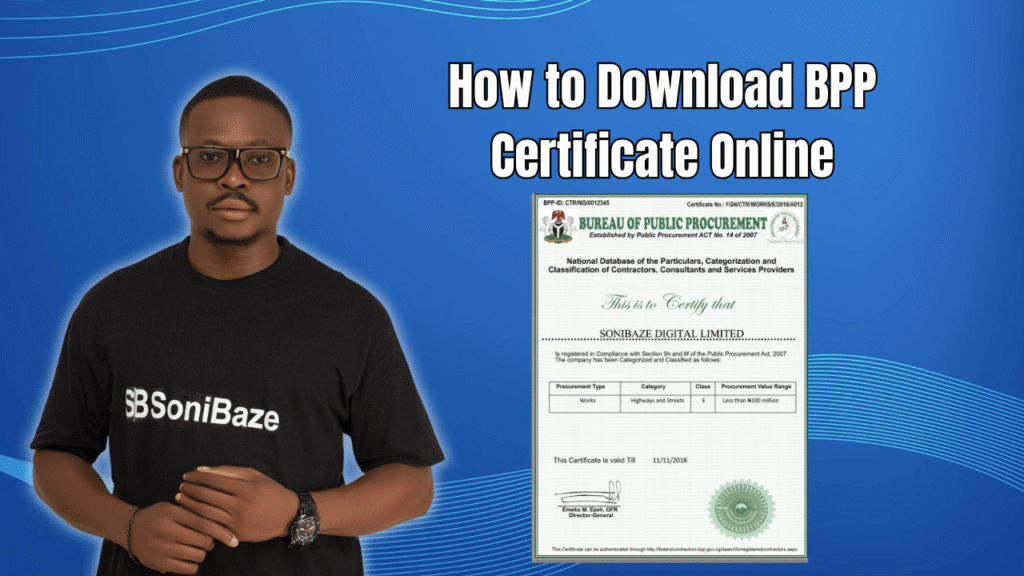
After completing BPP registration, many companies get stuck at the same point. The application is done, verification passed, and now they need the actual certificate to attach to a bid document. The download step is not complicated, but it is easy to miss if you do not know where to look inside the portal.
This article explains what the BPP certificate actually is, what it is formally called, and how to download it online once your registration is approved.
Obtain Your BPP Certificate
Let us help you obtain your Bureau of Public Procurement (BPP) Registration Certificate quickly and hassle-free. Our experts provide reliable support throughout the registration process, ensuring your business is ready to participate in public procurement opportunities.
What Is the BPP Certificate?
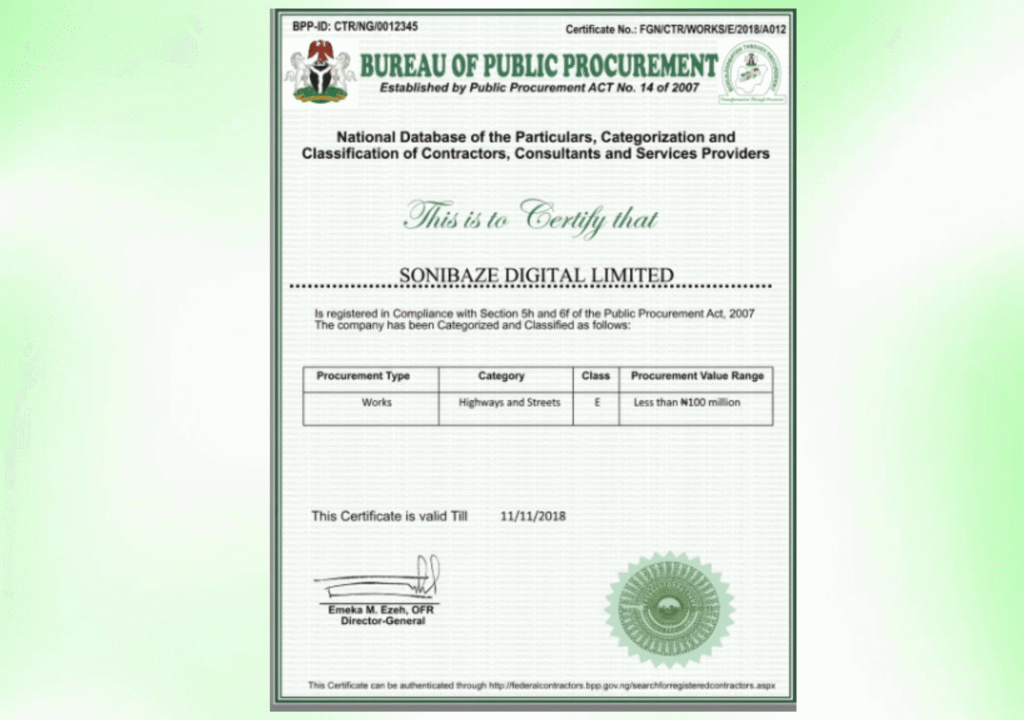
The document most people refer to as the BPP certificate is formally called the Interim Registration Report, commonly shortened to IRR. It is generated by the National Database of Federal Contractors, Consultants and Service Providers, the same system at federalcontractors.bpp.gov.ng where you registered your company.
The IRR is what procurement officers at ministries, departments, and agencies check when evaluating bids. It shows your company’s registration number, business category, and classification on the national database. Without it attached to your bid documents, your submission is incomplete.
It is not a certificate in the traditional printed sense. It is a report generated from your profile on the BPP system, which is why downloading it requires logging back into the portal rather than waiting for something to arrive by post or email.
When Can You Download It?
The IRR becomes available for download once BPP has verified your registration and approved your profile. Submitting your application does not immediately generate a downloadable document. The verification step has to be completed first.
If your application was recently submitted and you cannot find a download option in your portal account, verification may still be in progress. Applications with complete and consistent documentation are typically verified faster than those that require follow-up queries.
Once verification is complete, the IRR can be downloaded directly from your account on the BPP contractor portal. BPP also generates a fresh 2026 IRR for registered companies at the start of each year, which is why renewal is tied to the calendar year rather than to the anniversary of your original registration date.
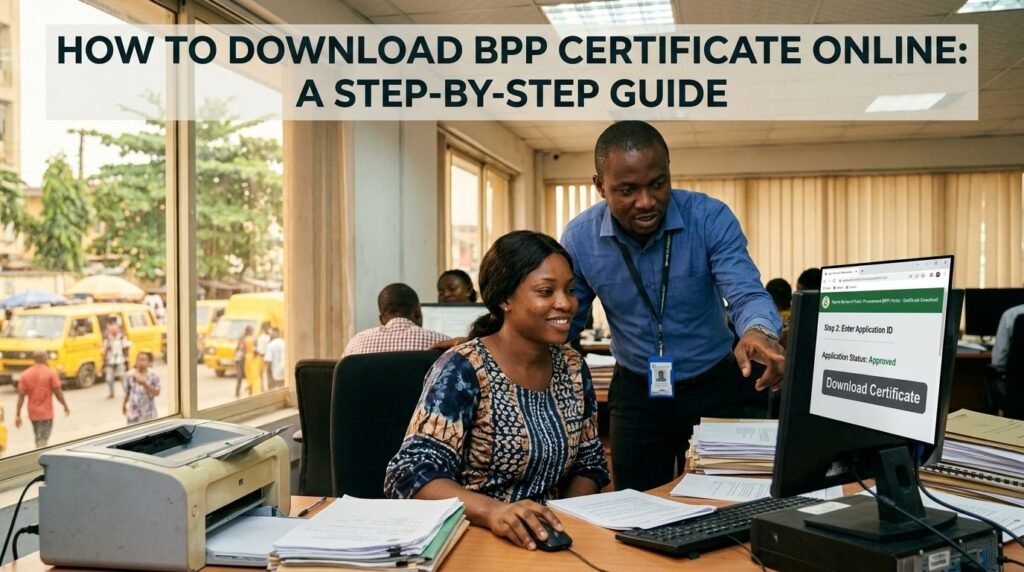
How to Download Your BPP Certificate Online
Step 1: Go to the Official BPP Contractor Portal
Open your browser and go to federalcontractors.bpp.gov.ng. This is the only official portal for the BPP National Database. Do not attempt to download your certificate through any third-party website, even one that looks official.
Step 2: Log In to Your Company Account
Enter the username and password that were sent to your registered email address when you first created your account. If you have forgotten your login details, use the password reset option on the login page to recover access.
Make sure you are logging in with the email address that was used during the original registration. Using a different email address will not pull up your company’s records.
Step 3: Navigate to Your Registration Profile
After logging in, go to your company profile or dashboard section. The layout of the portal puts your registration details and status in this area. Check whether your registration status shows as verified or approved. If it still shows as pending, the IRR is not yet available for download.
Step 4: Locate the IRR Download Option
Within your profile, look for the section that shows your registration report or certificate. BPP labels this the Interim Registration Report. The option to generate and download the document should be accessible from this section once your registration is fully approved.
Click the download or generate report button. The IRR will typically open as a PDF document.
Step 5: Save and Print the Document
Save the PDF to your device immediately after it generates. Print a copy for physical submission to procurement offices where hard copies are required. For digital submissions, the PDF version is accepted directly.
Keep your saved copy organised with your other compliance certificates. The IRR is required annually, so having it in a specific folder alongside your ITF, NSITF, PENCOM, and SCUML certificates makes renewal and bid preparation significantly easier.
Obtain Your BPP Certificate
Let us help you obtain your Bureau of Public Procurement (BPP) Registration Certificate quickly and hassle-free. Our experts provide reliable support throughout the registration process, ensuring your business is ready to participate in public procurement opportunities.
What to Do If You Cannot Find the Download Option
A few situations can prevent the download from appearing even after successful registration.
If your renewal for the current year is outstanding, the portal may not generate a current IRR until you have submitted updated company information for the new year. BPP requires registered companies to renew from the first month of the new year by submitting updated performance information from the previous year. If this has not been done, the current year’s IRR will not be available even though your base registration remains active.
If your account shows verified status but the download option is still not visible, the issue may be a technical one on the portal side. In this case, the correct step is to contact BPP’s database support team directly. Their support contact is ccspsupport@bpp.gov.ng, and their support phone lines are 09-8746682 and 09-8746687. Contacting them with your company registration number and a description of what you are seeing is faster than waiting for the issue to resolve on its own.
If you registered before May 2018, your account may have been on the old BPP system. BPP upgraded its database around that period, and older accounts needed to be migrated. Log in with your existing credentials on the current portal. If the system prompts you to migrate or update your information, complete that step before looking for the IRR download option.
Downloading the 2026 IRR Specifically
BPP issued a notice specifically about generating the 2026 Interim Registration Report. For companies already on the database, the 2026 IRR is generated through the same portal login process, but it requires that annual renewal information for 2025 performance has been submitted first.
Companies that have not submitted their renewal data will see their profile in an incomplete state, and the 2026 IRR will not be downloadable until that information is in. If you are trying to download your certificate in 2026 and hitting a wall, check first whether your renewal submission for the previous year is complete.
Common Issues and Fixes at a Glance
| Problem | Likely Cause | Fix |
|---|---|---|
| No download option visible | Registration still pending verification | Wait for verification to complete, then check again |
| Download available but shows old year | Renewal not yet submitted | Submit updated 2025 performance data through the portal |
| Login not working | Wrong email used, or password forgotten | Use password reset on the login page |
| Account not found on current portal | Registered before May 2018 on old system | Log in and complete account migration |
| Download generates but file is blank | Technical error on portal side | Contact ccspsupport@bpp.gov.ng with your registration number |
Frequently Asked Questions
What is the difference between the BPP certificate and the IRR?
They refer to the same document. Most people call it the BPP certificate in conversation, but the official name for the downloadable document from the BPP National Database is the Interim Registration Report. Both terms point to the same PDF you download from your portal account.
Is the BPP certificate sent by email after registration?
No. BPP does not email the IRR to registered companies. You have to log in to the portal at federalcontractors.bpp.gov.ng and download it yourself from your profile. This applies to both first-time downloads after initial registration and annual IRR downloads after renewal.
Can I download the BPP certificate for a different company?
No. The portal only allows you to download the IRR for the company associated with your login credentials. If you need to verify another company’s BPP registration status, that is done through a separate verification process rather than by logging in with another company’s account.
How many times can I download the IRR?
As many times as you need. There is no limit on the number of times you can generate and download the IRR from your account. If you lose the saved copy, simply log back in and download it again.
Does the IRR expire?
Yes. The IRR is valid for the calendar year in which it is issued. A 2025 IRR becomes outdated once 2026 begins. Procurement officers will check whether your certificate is current, so always ensure you download the version for the active year when submitting bids.
What if my registration was approved but I still cannot download the IRR after several days?
Contact BPP database support directly at ccspsupport@bpp.gov.ng or on 09-8746682 and 09-8746687. Provide your company name, CAC registration number, and BPP registration number. The support team can check your account status and resolve any technical issues preventing the download.
Conclusion: Log In, Check Your Status, Download
The BPP certificate download is a straightforward process once your registration is verified and your annual renewal is current. The two things that most commonly block the download are an outstanding verification query and an incomplete annual renewal submission. Both are fixable through the portal or by contacting BPP support directly.
If your company is actively bidding for government contracts, it is good practice to download a fresh IRR at the start of each year as soon as renewal is complete, before a specific tender deadline forces the issue.
Obtain Your BPP Certificate
Let us help you obtain your Bureau of Public Procurement (BPP) Registration Certificate quickly and hassle-free. Our experts provide reliable support throughout the registration process, ensuring your business is ready to participate in public procurement opportunities.