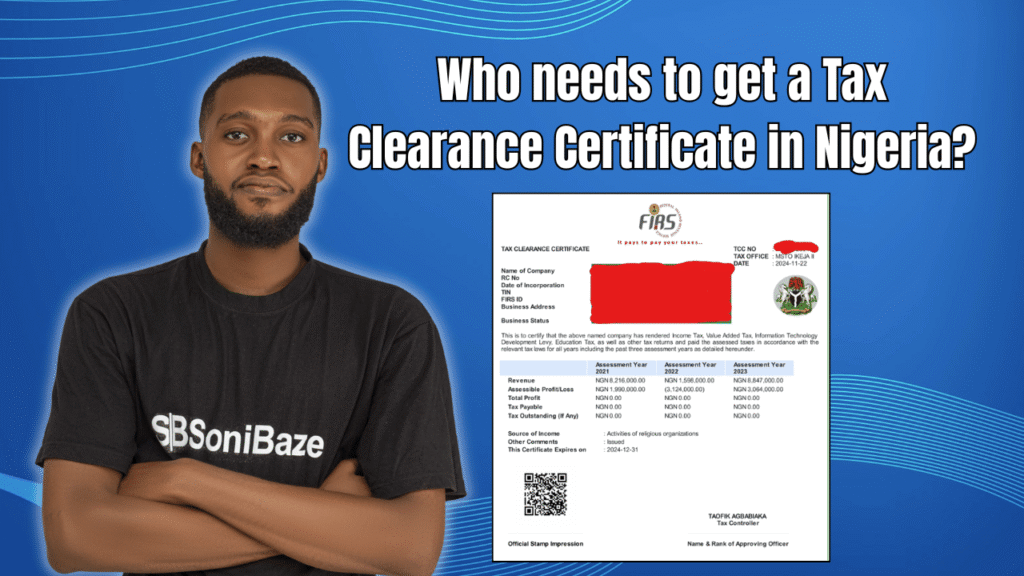
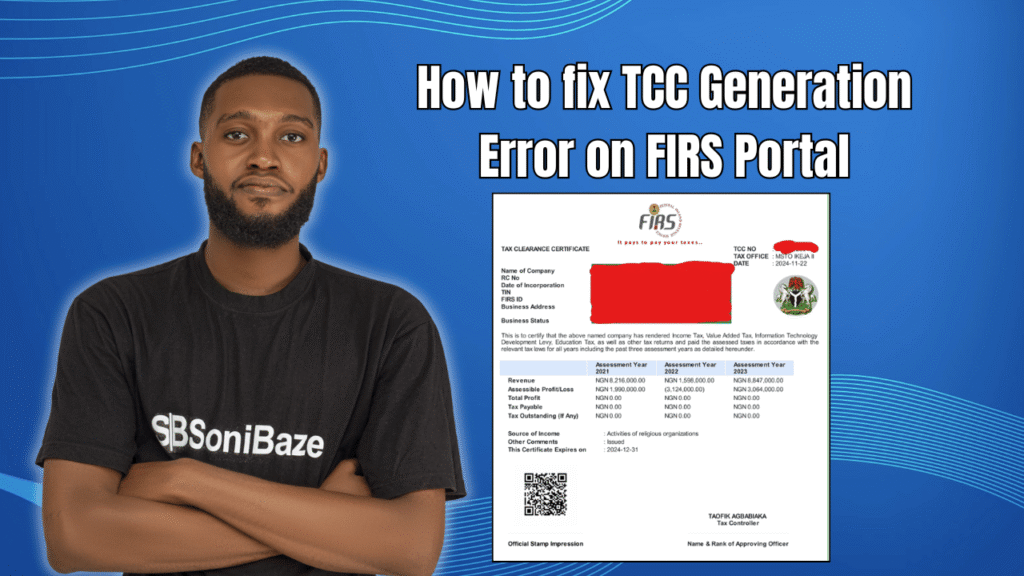
You log in to the FIRS e-TCC portal, click generate, and nothing happens. Or worse, you get an error message with no explanation attached. It is one of the more frustrating compliance moments a business owner or accountant can face, especially when a contract deadline or bid submission is hours away.
The good news is that most TCC generation errors on the FIRS portal have specific causes. None of them are random. This article covers the most common reasons the portal blocks TCC generation and what to do to fix each one.
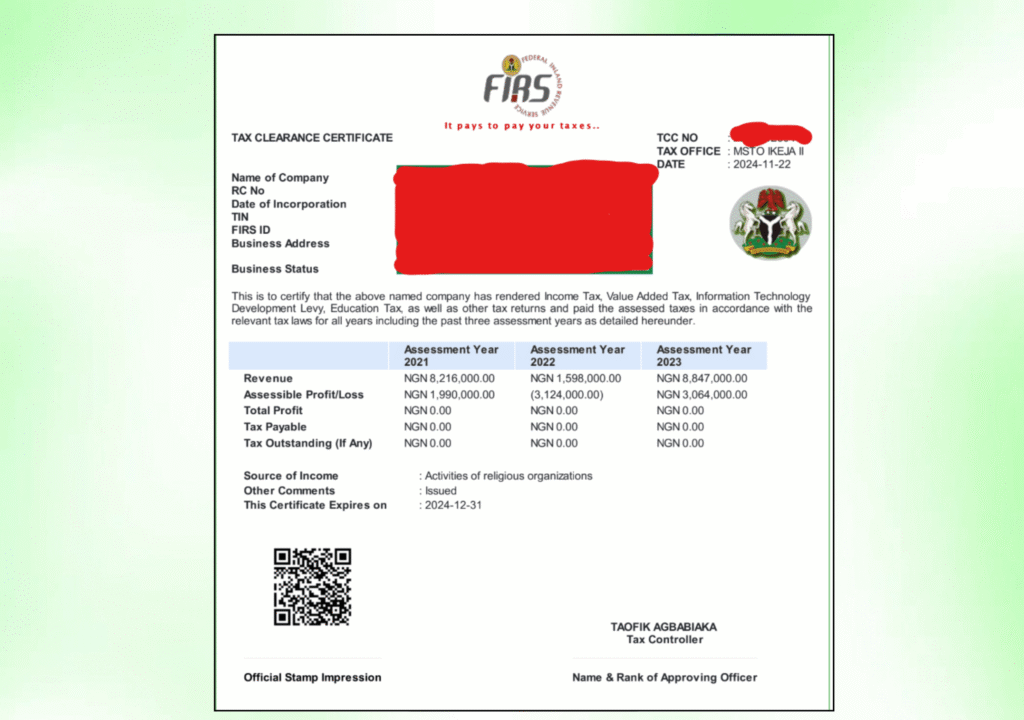
Obtain Your Tax Clearance Certificate (TCC)
Let us help you obtain your Tax Clearance Certificate (TCC) quickly and hassle-free. Our experts provide reliable support throughout the application process, ensuring your business meets all tax compliance requirements.
How the FIRS TCC Portal Works
The e-TCC portal sits at tcc.firs.gov.ng. For existing companies, meaning those that have been registered for taxes with FIRS and have filed corporate tax returns for two or more years, TCC generation is fully automated. Log in, click generate TCC, and the certificate is sent to your registered email address.
That process works cleanly when everything behind the scenes is in order. When it does not work, it is almost always because something on the FIRS side needs attention, not because the portal itself is broken.
New companies follow a different route. A new company for FIRS purposes is one that has not completed two full years of corporate tax filings. For this category, the portal does not automatically send the TCC to email after generation. Manual application at the designated FIRS office is usually required.
Common TCC Generation Errors and How to Fix Them
Error 1: Unfiled Tax Returns
This is the most common reason TCC generation fails. If any return for the three years immediately preceding the current year is missing, whether Company Income Tax, VAT, PAYE, Withholding Tax, or even a nil return, the system will not generate the certificate.
The fix is straightforward but time-consuming. Log in to the TaxPro-Max portal and check your filing history. Identify every return that has not been submitted. File all outstanding returns, including nil returns for periods when the company had no taxable activity. Once filed and confirmed on the system, return to tcc.firs.gov.ng and attempt generation again.
Do not assume that because you paid your taxes, your returns were filed. Payment and filing are separate actions in the FIRS system. Both must be completed.

Error 2: Outstanding Tax Liabilities
Unpaid tax, uncleared penalties, or outstanding interest on your tax account will block TCC generation. The portal checks your account balance before issuing the certificate, and any amount showing as owed will trigger a failure.
To fix this, log in to TaxPro-Max and review your account statement. If you see outstanding assessments or penalties, clear them through the approved payment channels. Keep the payment receipts. After settlement, allow one to two working days for the FIRS system to reflect the cleared balance before attempting to generate again.
If you dispute an assessment, that dispute needs to be resolved formally with your FIRS office before the certificate can be issued. An unresolved query sits on the account the same way an unpaid liability does.
Error 3: Pending Tax Reconciliation
Some accounts are flagged internally for reconciliation. This happens when there is a discrepancy between what was filed, what was paid, and what the FIRS system has recorded. The discrepancy may have been caused by a bank transfer that did not reflect correctly, a payment made to a wrong FIRS account, or a filing that was submitted but not properly captured in the system.
You cannot resolve a pending reconciliation remotely. The fix requires a physical visit to your designated FIRS tax office with your payment receipts, filing confirmations, and any correspondence related to the account. Ask specifically about the reconciliation flag on your account and request written confirmation once it has been cleared.
Error 4: Wrong or Outdated Contact Details on File
The TCC is sent to the email address registered on your FIRS profile. If that email address has changed since your original registration, or if it was entered incorrectly during setup, the generation may appear to succeed on the portal but the certificate never arrives.
Log in to TaxPro-Max and check the contact details on your profile. If the email address is wrong, update it before attempting to generate again. For companies that cannot update the email through the portal directly, a visit to the FIRS office or a written request to FIRS support may be required to have the registered email manually corrected.
Error 5: TIN Entry Errors on the Portal
A Tax Identification Number entered with spaces, slashes, alphabetical characters, or in the wrong format will cause the portal to reject the request. The FIRS system is strict about how TINs are formatted during entry.
Enter your TIN exactly as it appears on your FIRS registration document, with no spaces and no punctuation. If you are unsure of the correct format, check your original TIN certificate or pull it from TaxPro-Max before entering it on the e-TCC portal.
Error 6: Company Registered for Less Than Two Years
If your company was incorporated recently and has not yet completed two full years of corporate income tax filings with FIRS, the automated TCC portal will not generate a certificate for you. This is not an error in the technical sense. It is a system restriction on new taxpayers.
For companies in this category, the process requires a manual TCC application at your designated FIRS tax office. You will need to submit an application form alongside your filing records and evidence of tax payments for the period you have been active. Processing time for manual applications varies by office but is typically between two and four weeks.
Error 7: Portal Downtime or Session Timeout
Not every failed generation attempt is a compliance issue. The FIRS portal experiences downtime periodically, particularly around peak periods when many businesses are generating or renewing their certificates ahead of contract deadlines.
If the portal fails to respond, loads slowly, or returns a generic error with no specific description, wait a few hours and try again. Avoid submitting multiple generation requests in quick succession. Duplicate requests can create conflicts in the system that take longer to resolve than the original problem.
Try using a different browser if repeated attempts fail. The e-TCC portal has known compatibility issues with certain browsers, and switching to Chrome or Firefox often resolves what appears to be a portal error.
Obtain Your Tax Clearance Certificate (TCC)
Let us help you obtain your Tax Clearance Certificate (TCC) quickly and hassle-free. Our experts provide reliable support throughout the application process, ensuring your business meets all tax compliance requirements.
Quick Reference: Errors and Fixes
| Error Type | Likely Cause | Fix |
|---|---|---|
| Generation blocked with no certificate | Unfiled returns for preceding years | File all outstanding returns including nil returns on TaxPro-Max |
| Outstanding balance shown on account | Unpaid tax, penalties, or interest | Clear all liabilities through approved channels, allow 1 to 2 days to reflect |
| Certificate generates but never arrives by email | Wrong or outdated email on FIRS profile | Update contact details on TaxPro-Max or request manual update at FIRS office |
| Portal rejects TIN entry | Wrong format, spaces, or incorrect characters | Re-enter TIN exactly as shown on FIRS registration, no spaces or punctuation |
| Pending reconciliation flag on account | Discrepancy between filings, payments, and system records | Visit designated FIRS office with receipts and request formal reconciliation |
| New company, portal does not generate | Less than two years of corporate tax filings | Apply manually at your FIRS tax office |
| Generic portal error or no response | Downtime or browser compatibility issue | Wait a few hours, switch browser, retry |
Before You Call FIRS Support
FIRS official support can take five to ten working days to respond to simple technical queries. Before escalating, run through this checklist on your own.
Confirm that all tax returns for the three preceding years have been filed on TaxPro-Max. Check your account statement for any outstanding balances or uncleared assessments. Verify that the email address on your FIRS profile is current and accessible. Confirm your TIN format is correct before entering it. Check the FIRS website or social media channels to rule out general portal downtime.
If all of these checks pass and the portal still blocks generation, a visit to your FIRS tax office with your compliance documents is the most direct path to resolution.
Staying Ahead of TCC Problems
The businesses that rarely experience TCC generation issues are the ones that treat tax filing as a monthly habit rather than a year-end scramble. Filing on time, even for periods with zero taxable activity, means your account never accumulates the backlog that causes most generation failures.
Reconcile your internal payment records with your TaxPro-Max account at least once a quarter. Catching a discrepancy in March is far easier to resolve than discovering it in October when a contract bid depends on a TCC that the portal will not generate.
Frequently Asked Questions
How long does it take to generate a TCC on the FIRS portal for existing companies?
For existing companies with two or more years of filings and no outstanding liabilities, generation through the e-TCC portal at tcc.firs.gov.ng is instant. The certificate is sent to the registered email address immediately after the generate button is clicked.
What is the difference between the TaxPro-Max portal and the e-TCC portal?
TaxPro-Max is the main FIRS portal used for tax registration, filing returns, and making payments. The e-TCC portal at tcc.firs.gov.ng is specifically for generating and verifying Tax Clearance Certificates. They are separate systems but linked through the same TIN and tax account data.
Can I generate a TCC if my company had no income in the preceding years?
Yes, provided you filed nil returns for those years. Filing a nil return is what tells the FIRS system your company was active but had no taxable income. Without it, the system reads those years as unfiled, which blocks generation regardless of the reason income was absent.
Does a FIRS TCC cover state taxes as well?
No. A TCC issued by FIRS covers federal taxes only, including Company Income Tax, VAT, Withholding Tax, and Education Tax. State taxes, including Personal Income Tax, are covered by the relevant State Internal Revenue Service. Some procurement processes require both federal and state TCCs.
What should I do if FIRS has no record of a return I know I filed?
Bring the original filing confirmation and payment receipts to your designated FIRS tax office and request a formal reconciliation. Do not rely on phone calls or emails alone for this. A physical visit with documentation is the fastest path to getting a missing record corrected in the system.
How long is a TCC valid?
A Tax Clearance Certificate covers the three years immediately preceding the current year of assessment and is typically issued for use within the current calendar year. Companies that need a TCC for ongoing contract work should plan their renewal before the current certificate expires.
Conclusion: Most TCC Errors Have a Paper Trail
A TCC generation error on the FIRS portal is almost never a mystery. There is a specific reason behind every blocked generation, and that reason is almost always visible somewhere in your FIRS account or filing history.
The fastest resolution path is to check your filing status and account balance on TaxPro-Max first, fix whatever is outstanding, and then return to the e-TCC portal. If the issue is not visible in the portal, a visit to your FIRS tax office with your compliance documents will identify the flag on the account directly.
Obtain Your Tax Clearance Certificate (TCC)
Let us help you obtain your Tax Clearance Certificate (TCC) quickly and hassle-free. Our experts provide reliable support throughout the application process, ensuring your business meets all tax compliance requirements.