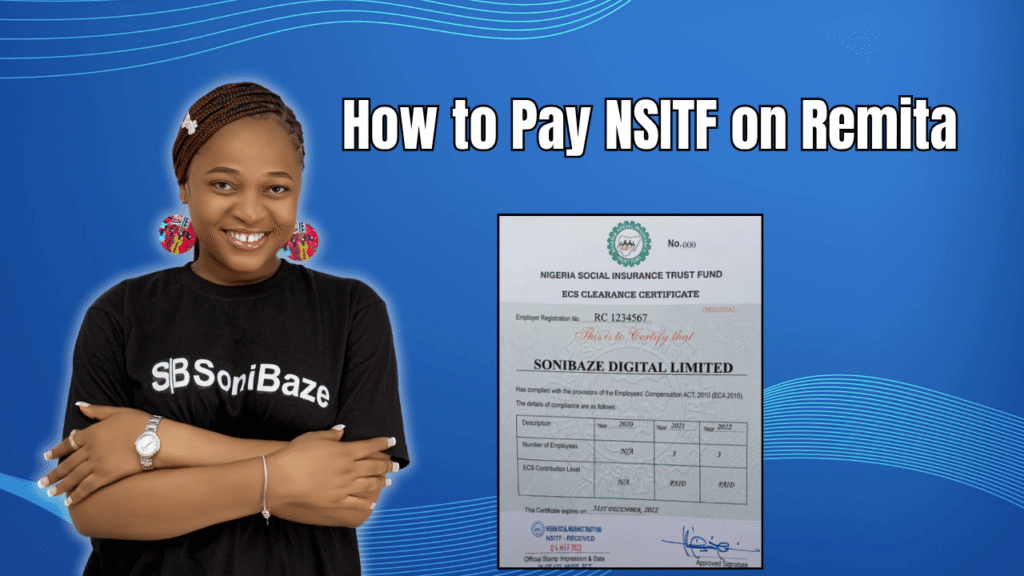
NSITF remittance is a monthly obligation for every registered employer in Nigeria. The platform used to make this payment is Remita, the same system used for most federal government agency collections. If you have never made the payment before, the process is straightforward once you know exactly where to click.
This article walks through the complete steps for paying NSITF on Remita, what you need before you start, and what to do if something goes wrong along the way.
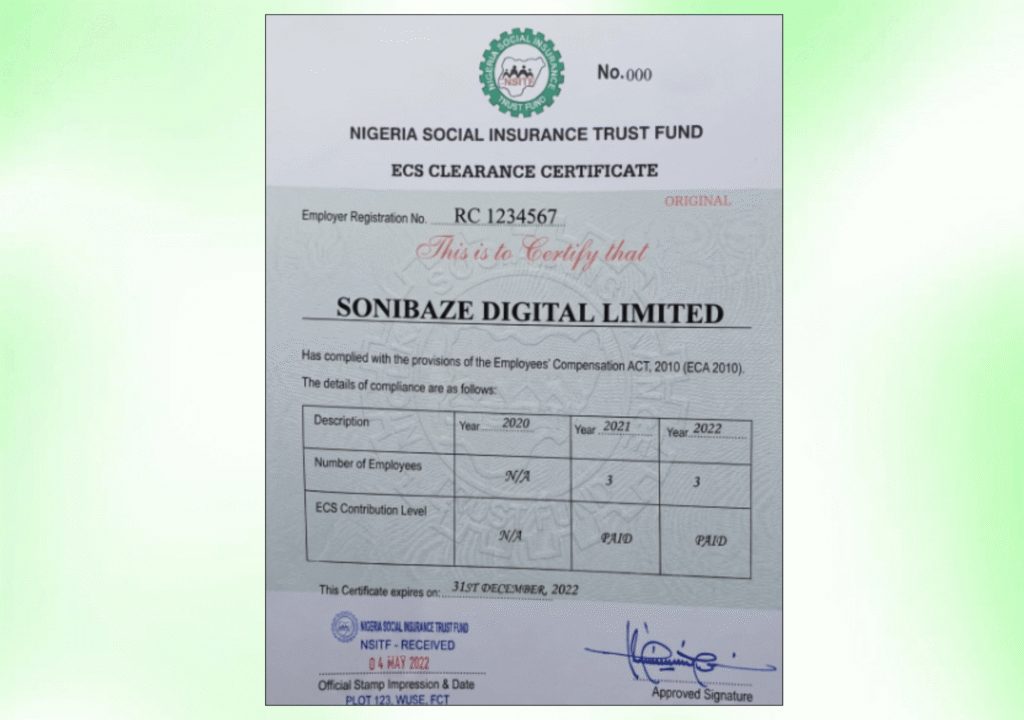
Obtain Your NSITF Certificate
Let us help you obtain your Nigeria Social Insurance Trust Fund (NSITF) Compliance Certificate quickly and hassle-free. Our experts provide reliable support throughout the application process, ensuring your business meets all statutory compliance requirements.
What Is NSITF and Why Do You Pay on Remita?
The Nigeria Social Insurance Trust Fund administers the Employees’ Compensation Scheme under the Employees’ Compensation Act 2010. The scheme provides medical treatment, rehabilitation, and financial compensation to employees who suffer work-related injuries, diseases, or death, with employers funding it entirely through monthly contributions.
Payments to NSITF are made through the Remita platform. Remita is the Federal Government’s payment collection infrastructure, and NSITF is one of the federal agencies using it to collect employer levies. The NSITF website itself confirms that payments are made via the Remita platform after an assessment of staff remuneration.
There are two ways to get to the payment. The first is through the NSITF employer portal at nsitf.gov.ng, where you log in, generate a Remita Retrieval Reference number, and then pay. The second is directly on the Remita website at remita.net, selecting NSITF as the biller. Both routes lead to the same place. This article covers both.
Before You Start: What You Need
Before sitting down to make the payment, have the following ready.
Your NSITF Employer Reference Number, which you received when you first registered with NSITF. This is the number that links your payment to your employer account.
Your total gross monthly payroll figure, since the levy is calculated at 1 percent of total gross monthly payroll. Calculate this before opening the portal.
A working debit card linked to your business account, or the option to generate an RRR and pay at a commercial bank if you prefer the offline route.
A valid email address to receive your payment confirmation.

Method 1: Paying Through the NSITF Employer Portal
This method is preferable for most employers because it connects the payment directly to your NSITF account record, making it easier to obtain your compliance certificate afterward.
Step 1: Log In to Your NSITF Account
Go to nsitf.gov.ng and log in to your employer account using your registered email address and password. If you have never logged in before or have forgotten your credentials, use the reset option on the login page.
Step 2: Navigate to the Remittance Section
Once logged in, look for the remittance or payment section on your dashboard. The exact label may vary slightly depending on updates to the portal, but it is typically labelled as “Remittance,” “Pay Levy,” or something similar.
Step 3: Enter Your Payment Details
Enter your Employer Reference Number, select the month of remittance you are paying for, and input your total gross payroll figure for that month. The system will automatically calculate the 1 percent levy amount based on the figure you enter.
Review the figures carefully before proceeding. An error here means your payment record will reflect the wrong amount, which can create complications during compliance certificate applications.
Step 4: Generate Your RRR
After entering the payment details, the system will generate a Remita Retrieval Reference number. This is a unique code tied to your specific payment. Save or note it down immediately.
The RRR is what you use to complete the payment. It can be used to pay online through the Remita platform, or it can be taken to any commercial bank branch to make the payment over the counter.
Step 5: Complete the Payment
If paying online, the portal will redirect you to the Remita payment gateway. Select your preferred payment method, either a debit card or internet banking, and follow the prompts to complete the transaction.
If paying at a bank, take your RRR to any commercial bank branch, quote the number to the teller, and make the cash or transfer payment directly.
Step 6: Upload Your Payment Receipt
After payment is confirmed, log back into your NSITF employer account and upload the payment receipt to update your compliance record. This step is important. A payment made but not uploaded to your NSITF account will not automatically reflect on your profile, and your compliance record will remain incomplete until you do this.
Obtain Your NSITF Certificate
Let us help you obtain your Nigeria Social Insurance Trust Fund (NSITF) Compliance Certificate quickly and hassle-free. Our experts provide reliable support throughout the application process, ensuring your business meets all statutory compliance requirements.
Method 2: Paying Directly on Remita
If you prefer to go directly to Remita without logging into the NSITF portal first, you can pay NSITF as a biller on the Remita website.
Step 1: Go to remita.net
Open your browser and go to www.remita.net. You do not need to create a Remita account to make a one-off payment.
Step 2: Click “Pay a Federal Government Agency”
On the Remita homepage, select the option to pay a Federal Government Agency. NSITF’s official guidance specifically directs employers to use this option when making payments through Remita directly.
Step 3: Select NSITF as the Agency
In the search field, type “Nigeria Social Insurance Trust Fund” or “NSITF” and select it from the results. The system will load the available service types for NSITF payments.
Step 4: Select the Name of Service or Purpose
Choose the service type that matches your payment. For monthly employer levy remittance, select the relevant option. If you are unsure which service type applies, contact NSITF directly to confirm before proceeding, since selecting the wrong service type can result in your payment not being credited to the correct account.
Step 5: Fill In the Payment Form
Enter the following details:
Payer’s Name: Your company name as registered with NSITF. Payer’s Phone Number: A working phone number. Payer’s Email Address: A valid email address where your confirmation will be sent. Amount to Pay: The calculated 1 percent levy amount based on your gross monthly payroll. Description: You can include the month and year you are paying for in the description field for your own records.
Step 6: Generate the RRR and Pay
Click Submit. The system will generate your Remita Retrieval Reference number. At this point you can pay immediately online using your debit card, or note the RRR and go to a commercial bank to complete the payment in person.
After payment, save the receipt. You will need it to upload to your NSITF employer portal and as evidence of remittance if you later apply for an NSITF Compliance Certificate.
Payment Methods Available on Remita
| Payment Method | How It Works | Best For |
|---|---|---|
| Debit card (online) | Enter card details on the Remita payment gateway | Companies that want instant confirmation |
| Internet banking | Log in through your bank’s platform and use the RRR | Companies using corporate banking platforms |
| Commercial bank branch | Take the RRR to any bank and pay at the counter | Companies without reliable internet or corporate cards |
How to Calculate Your NSITF Levy
The NSITF levy is 1 percent of total gross monthly payroll. Gross payroll includes all salary components: basic salary, housing allowance, transport allowance, and any other regular monthly payments to employees. It does not include irregular or one-off payments like annual bonuses, unless these form part of the monthly payroll structure.
For example, a company with a total gross monthly payroll of 5,000,000 naira would remit 50,000 naira to NSITF for that month. Get this calculation right before entering figures on the portal. Underpayment accumulates and can trigger penalties during compliance verification.
Payment Deadlines
NSITF levy remittance is due monthly. The general guidance is to remit before the end of each month for the preceding payroll period. Setting a reminder for around the 25th of each month gives you a buffer to process the payment before any processing delays push you past the deadline.
Late remittance attracts a penalty of between 5 and 10 percent per month on unpaid or unremitted contributions. These penalties accumulate quickly and become visible during compliance checks.
Common Issues and How to Handle Them
RRR Generated But Payment Not Reflecting
If you paid using a bank transfer or at a branch and the payment is not reflecting on your NSITF account, confirm the RRR was quoted correctly to the bank. Then wait at least 24 to 48 hours for interbank processing. If it still has not reflected after 48 hours, contact Remita support with your RRR and payment evidence.
Wrong Amount Entered
If you entered the wrong payroll figure and the levy amount is incorrect, do not try to correct it on the same form. Contact NSITF directly with your employer reference number and the correct figures so they can advise on the appropriate process for adjustment.
NSITF Portal Not Loading
The NSITF portal has experienced intermittent downtime. If the portal is unavailable, use Method 2 and pay directly on Remita, then upload the receipt to your account once the portal is accessible again.
Payment Receipt Lost
Log back into your Remita account using the email address you used during payment. Your transaction history is stored there and you can reprint the receipt at any time using your RRR.
Frequently Asked Questions
Can I pay NSITF without an employer account on the NSITF portal?
Yes. You can pay directly on Remita by selecting NSITF as a biller without logging into the NSITF employer portal. However, you will still need to upload the payment evidence to your NSITF account afterward to update your compliance record. Paying without doing this leaves a gap in your remittance history.
How long does NSITF payment confirmation take on Remita?
Online debit card payments are typically confirmed immediately and a receipt is generated on the spot. Bank branch payments using an RRR can take 24 to 48 hours to reflect, depending on the bank and processing times.
What is an RRR number on Remita?
RRR stands for Remita Retrieval Reference. It is a unique 12-digit code generated for each payment transaction on the Remita platform. It is used to track and confirm payment status and is required when completing a bank branch payment.
Do I need to pay NSITF if I have only one employee?
Yes. The Employees’ Compensation Act 2010 makes it mandatory for all employers in Nigeria to register with NSITF and remit the monthly levy, regardless of the number of employees. There is no minimum headcount exemption.
Is there a fee for using Remita to pay NSITF?
Remita charges a transaction fee on payments processed through its platform. The fee varies depending on the payment method and the transaction amount. Check the fee displayed on the payment page before confirming your transaction.
What happens if I miss an NSITF payment month?
Missed payments accumulate as arrears and attract a late penalty of 5 to 10 percent per month. When you apply for a compliance certificate, NSITF checks your full remittance history, and gaps in payments must be regularised, including penalties, before the certificate is issued.
Conclusion: Keep Remittance Consistent, Not Catch-Up
The actual process of paying NSITF on Remita takes less than ten minutes once you know the steps. The problem most companies face is not the payment itself but the months of unremitted contributions that pile up when the payment is treated as optional or deferred.
Consistent monthly remittance keeps your compliance record clean and your NSITF certificate renewable without delays. It also protects your employees, since the compensation scheme only covers workers whose employer has been remitting on their behalf.
Obtain Your NSITF Certificate
Let us help you obtain your Nigeria Social Insurance Trust Fund (NSITF) Compliance Certificate quickly and hassle-free. Our experts provide reliable support throughout the application process, ensuring your business meets all statutory compliance requirements.