You applied for CPN registration, paid the fees, and are now waiting to hear whether you are officially on record as a registered computing professional. Or maybe you registered some time ago and need to confirm your status before adding it to a bid or a job application. Either way, the process is quicker than most people expect.
This guide walks through how to check your CPN registration status online, what to do when you cannot find your record, and how to verify someone else’s registration if you need to.
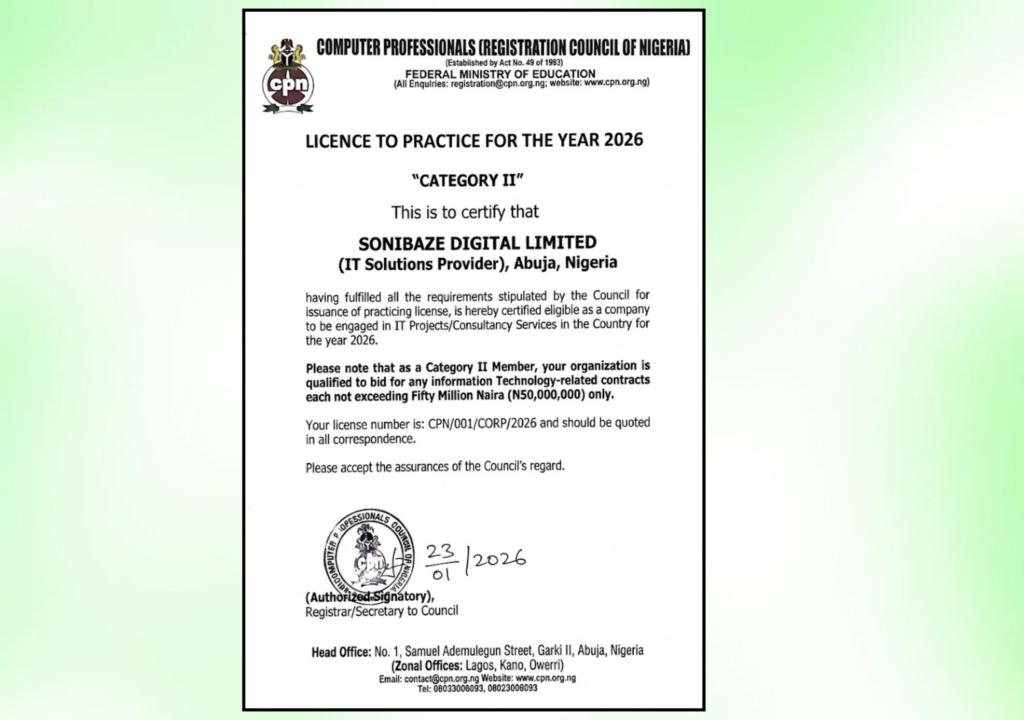
Obtain Your CPN certificate
Let us help you obtain your Computer Professionals Registration Council of Nigeria (CPN) Certification with ease. Our experts provide guidance throughout the application process, helping you achieve professional recognition and compliance.
What the CPN Registration Status Check Actually Tells You
A status check on the CPN portal confirms whether a person or organisation is listed in the official register of computing professionals maintained by the Computer Professionals Registration Council of Nigeria. It will show your registration number, membership category, and whether your practitioner’s licence is currently active.
This matters for two specific reasons. First, your annual licence fee must be kept up to date for your registration to remain valid. A person who registered three years ago but stopped paying annual fees may still appear in the register but with a lapsed licence status. Second, third parties, including government procurement officers, HR departments, and tender committees, can use the same portal to verify that your certificate is genuine before relying on it.
Step-by-Step: How to Check Your CPN Registration Status
Step 1: Go to the Official CPN Website
Open your browser and go to www.cpn.gov.ng. This is the only official website for the Computer Professionals Registration Council of Nigeria. Avoid third-party sites that claim to offer CPN verification services, since the authoritative record sits on CPN’s own portal.
Step 2: Navigate to the Members’ Directory
On the CPN homepage, look for the Members’ Directory link in the navigation menu. This is a publicly accessible search tool that allows anyone to look up registered members by name or registration number. You do not need to be logged in to use it.
The direct link for the Members’ Directory is: www.cpn.gov.ng/members/search/
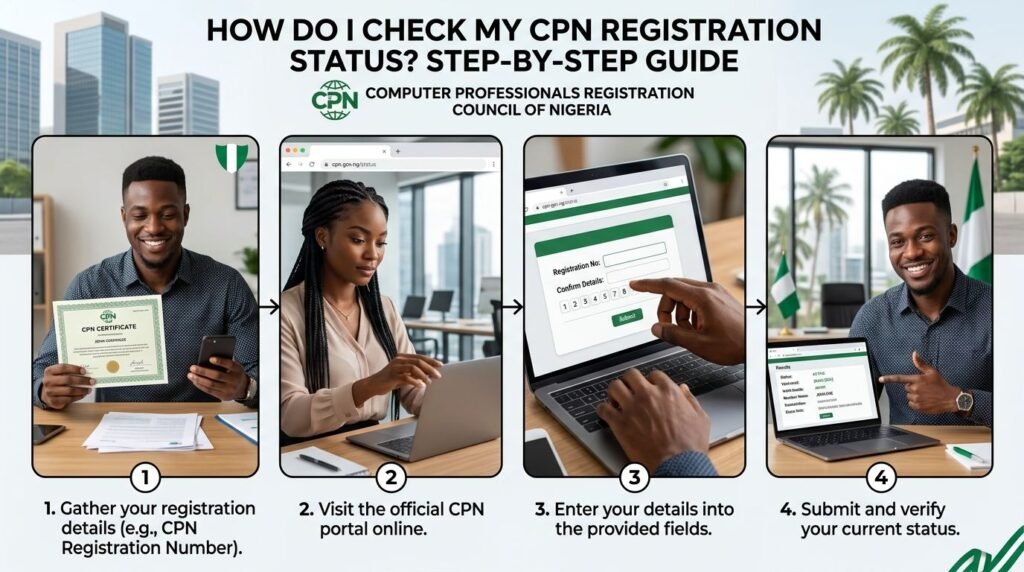
Step 3: Enter Your Search Details
The Members’ Directory search accepts either a name or a registration number. If you have your registration number from your certificate or your application confirmation, use that. It is faster and avoids any confusion from name variations.
If you are searching by name, enter your name exactly as it was submitted during registration. Discrepancies between your submitted name and what you enter in the search field can cause your record to appear not found, even when it exists.
Step 4: Review Your Registration Record
If your record is found, the result will show your name, registration number, and membership category. This confirms you are on the official register.
If the result shows your registration but indicates your licence has lapsed, it means your annual licence renewal fees are outstanding. Your name is still in the register, but you are not currently licensed to practice under the CPN framework until those fees are settled.
Step 5: Log In to Your Members’ Area for Full Details
For more detail on your account, including your payment history, examination records, and renewal status, log in to your personal account at www.cpn.gov.ng/members/
Your login credentials are the email address and password you created during registration. If you have never logged in before or cannot remember your credentials, use the Request Login Credential Reset option on that page.
Once logged in, you can view your full membership profile, download your registration documents, and make payments for annual licence renewal directly through the portal.
What to Do If Your Name Does Not Appear
A missing record after a search does not always mean your application was rejected. There are a few more likely explanations.
Your application may still be under review. CPN processes applications in batches, and there can be a gap of days or weeks between submission and the record appearing in the directory. If you applied recently, wait a few working days before assuming there is a problem.
A name mismatch is another common cause. If you registered under a slightly different version of your name, a middle name omitted, a surname variation, or a different spelling, the search may not return your record. Try alternate versions of your name before concluding your record is absent.
If your annual licence fees have lapsed for an extended period, your record may have been marked as inactive rather than showing as a current registrant.
When none of the above explains the missing record, contact CPN directly. The official contact details are:
- Phone: +234 703 543 7642, +234 815 885 6635, +234 802 393 6049
- Email: info@cpn.gov.ng
- Head Office: CPN Centre of Excellence, Plot 1321, Adesoji Aderemi Street, Gudu District, Cadastral Zone B1, Abuja
CPN also has liaison offices in Lagos, Port Harcourt, Kaduna, and Owerri for members outside Abuja.
Obtain Your CPN certificate
Let us help you obtain your Computer Professionals Registration Council of Nigeria (CPN) Certification with ease. Our experts provide guidance throughout the application process, helping you achieve professional recognition and compliance.
How to Verify Someone Else’s CPN Registration
The Members’ Directory search is public. If you need to verify a contractor, employee, or business partner’s CPN registration before a contract or an employment offer, you follow the same steps.
Go to www.cpn.gov.ng/members/search/, enter the individual’s name or registration number as listed on their certificate, and confirm the result matches what they have declared. For corporate registrations, the search works the same way, using the organisation’s name or registration number.
If the result is not found, or if the details in the directory do not match what the person has declared, that discrepancy is worth following up on directly with CPN before proceeding.
CPN Registration Status Check at a Glance
| Step | Action | Where |
|---|---|---|
| 1 | Go to the official CPN website | www.cpn.gov.ng |
| 2 | Click Members’ Directory in the navigation menu | www.cpn.gov.ng/members/search/ |
| 3 | Enter your name or registration number | Members’ Directory search bar |
| 4 | Review your registration record and licence status | Search results page |
| 5 | Log in to Members’ Area for full account details | www.cpn.gov.ng/members/ |
| 6 | Reset credentials if you cannot log in | Login Credential Reset link on Members’ Area page |
Frequently Asked Questions
How long after applying does my CPN record appear in the directory?
CPN processes applications in batches, so there is not an instant update. Most applicants see their record appear within a few working days of approval. If two weeks have passed since you received confirmation of approval and your name still does not appear, contact CPN directly.
What does it mean if my status shows as lapsed?
A lapsed status means your annual licence fee has not been paid for the current year. Your name remains in the register, confirming your original registration, but your licence to practice is not active. Settling the outstanding renewal fee restores your active status.
Can I check my CPN status without my registration number?
Yes. The Members’ Directory search also accepts a name. If your name does not return a result, try variations, such as with or without a middle name, or an alternative spelling, before concluding your record is missing.
How do I renew my CPN annual licence?
Log in to your Members’ Area at www.cpn.gov.ng/members/ and navigate to the payments section. CPN also has a payment point at www.cpn.gov.ng/paypoint/ for members who want to make payments outside the Members’ Area.
Can employers and procurement officers check CPN status directly?
Yes. The Members’ Directory at www.cpn.gov.ng/members/search/ is publicly accessible. No login is required to search for and verify a registered member’s status. This is the portal that procurement teams and HR departments use to confirm certificates before accepting them.
Is the Members’ Directory the same as the full CPN Member Register?
The Members’ Directory is the searchable online version. CPN also publishes a downloadable CPN Member Register document through its Downloads section at www.cpn.gov.ng. This PDF register is a static list updated periodically, while the Members’ Directory reflects more current registration data.
Conclusion: A Two-Minute Check That Saves Significant Trouble
Confirming your CPN registration status before attaching your certificate to a bid or a job application takes less than two minutes using the Members’ Directory. It is worth doing. A lapsed licence or a name mismatch on record can undermine an application at exactly the wrong moment.
If you find a discrepancy, contacting CPN directly and resolving it before the deadline is always faster than trying to explain it after a bid has been disqualified or a job offer has been withdrawn.
Obtain Your CPN certificate
Let us help you obtain your Computer Professionals Registration Council of Nigeria (CPN) Certification with ease. Our experts provide guidance throughout the application process, helping you achieve professional recognition and compliance.