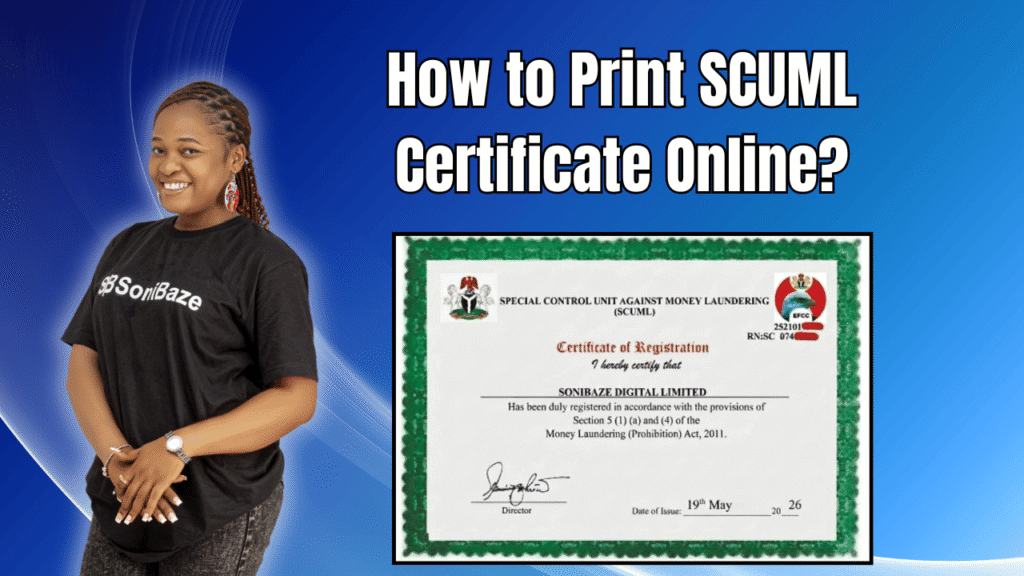
Many business owners apply for a SCUML certificate, wait several weeks for it to be approved, and then get confused when no physical document arrives. That confusion makes sense. The old process involved collecting a hard copy from an EFCC office. The current process does not work that way anymore.
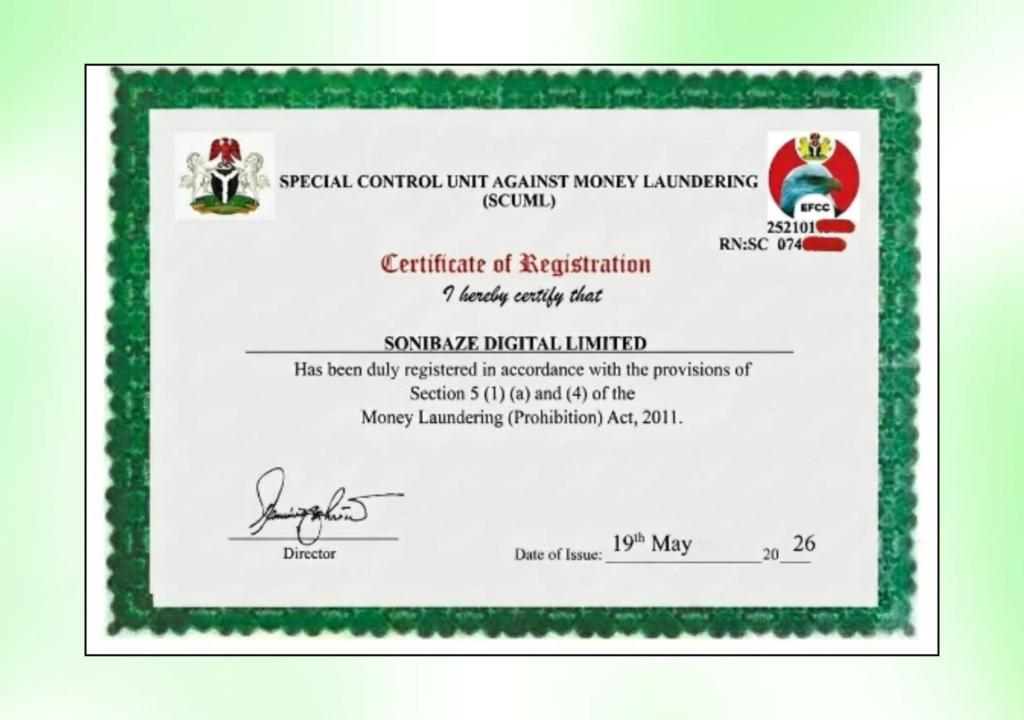
EFCC no longer issues hard copy SCUML certificates. Once your application is approved, a soft copy is made available for you to download and print yourself. This article explains exactly how that works, what to do if you cannot find or access your certificate, and how to confirm the printed copy is genuine.
Obtain Your EFCC SCUML Certificate
Let us help you get your EFCC SCUML Certificate quickly and hassle-free. Our team provides fast, reliable support to ensure your SCUML registration is completed accurately and in compliance with regulatory requirements.
What Changed With SCUML Certificate Issuance
Until a few years ago, applicants who had been approved had to visit a designated EFCC or SCUML office to collect the original certificate in person. Only the company director or business proprietor was permitted to do this, and it added time and travel to an already lengthy process.
That requirement has been dropped. SCUML now sends an electronic notification to your registered email address once your application has been processed and your certificate is ready. From there, the download and printing is done entirely online through the SCUML portal.
The certificate issued is just as valid in soft copy format as any previously issued hard copy. Banks, procurement offices, and regulatory bodies accept the downloaded and printed version without requiring an original physical document from EFCC.
How to Download and Print Your SCUML Certificate
Step 1: Check Your Registered Email
Once SCUML approves your application, a notification is sent to the email address you provided during registration. This email typically contains a link or instructions to access your certificate on the portal.
Check your inbox, and if nothing is there, check your spam or junk folder. It is common for official government emails to land in spam filters, particularly for Gmail and Yahoo accounts.
If you no longer have access to the email address used during registration, that is a separate problem covered further below.

Step 2: Log In to the SCUML Portal
Go to the official SCUML portal at scumlportal.efcc.gov.ng. Use the login credentials you created when you registered your business. If you cannot remember your password, use the password reset option on the login page.
The portal is the only official location to access your certificate. Do not use third-party websites claiming to offer SCUML certificate downloads, as these are not authorised and the documents they generate will not be valid.
Step 3: Navigate to Your Certificate
Once logged in, locate the section of the portal showing your registration status or your issued certificate. The portal displays your current certificate if your application has been approved and the certificate has been generated.
Click the download option to save the certificate file to your device. The file is typically issued in PDF format.
Step 4: Print the Certificate
Open the downloaded PDF and print it on A4 paper. Use a good quality printer where possible, particularly if the certificate will be submitted as part of a corporate tender or bank account application, since a faded or unclear printout can raise unnecessary questions.
Keep a digital copy saved in a secure location alongside the printed version. The digital copy is useful for situations where you need to email the certificate quickly rather than submit a physical document.
Certificate Not Available on the Portal? What to Do
Your Application Is Still Under Review
Processing time for SCUML applications varies. On average, a complete and correctly submitted application takes three to four weeks. Applications with document issues or mismatches can take considerably longer.
If your submission is recent and the portal shows your application as pending or under review, the certificate has not been issued yet. There is no workaround for this. The only option is to wait for the review to complete or to contact SCUML directly if an unusually long time has passed.
You Lost Access to Your Registered Email
If the approval notification was sent to an email address you no longer control, you cannot receive the login recovery email either. In this situation, contact SCUML directly with your company’s RC number and your original application details to request a reset of your registered contact information.
This process requires you to verify your identity as the registered director or proprietor, and it takes additional time, so it is worth keeping your registration email address active throughout the period your application is being processed.
Your Portal Login No Longer Works
If your account password is not working and the reset email is not arriving, the same steps apply as above. Contact SCUML’s support channels with your registration details to have the issue resolved from their end.
The Certificate Downloaded but Won’t Open
If the downloaded PDF file is corrupted or will not open, try downloading it again from a different browser or device. If the file consistently fails to open, contact SCUML through the portal’s support section and report the issue with your certificate number.
Obtain Your EFCC SCUML Certificate
Let us help you get your EFCC SCUML Certificate quickly and hassle-free. Our team provides fast, reliable support to ensure your SCUML registration is completed accurately and in compliance with regulatory requirements.
How to Verify a Printed SCUML Certificate
A bank or partner organisation may want to confirm that your printed certificate is genuine rather than fabricated. Verification is done through the official SCUML portal.
Go to the verification section at scuml.org and enter either your RC number or your SCUML certificate number. If the details match what is on SCUML’s database, the certificate will be confirmed as valid.
This verification step is available to anyone, not just the certificate holder, so procurement officers and bank compliance teams can check your certificate without needing you to be present.
If a certificate fails to verify, work through the checks covered in the previous section before assuming something is wrong on SCUML’s end. The most common reasons for failed verification are entering the certificate number incorrectly or using an unofficial third-party verification site rather than the official portal.
Key Facts at a Glance
| Question | Answer |
|---|---|
| Does EFCC still issue physical certificates? | No. Soft copy only, downloadable from the SCUML portal |
| Where do I download my certificate? | Log in at scumlportal.efcc.gov.ng |
| How will I know my certificate is ready? | SCUML sends an email notification to your registered address |
| What format is the certificate issued in? | PDF, printable on standard A4 paper |
| Where do I verify a certificate? | scuml.org, using your RC number or certificate number |
| Is the printed certificate accepted by banks? | Yes, a printed soft copy is accepted |
Frequently Asked Questions
Can someone else download and print my SCUML certificate on my behalf?
Yes, as long as they have your portal login credentials. Unlike the old hard copy collection process, which required the director or proprietor to appear in person, the online download has no in-person requirement. Anyone with access to your portal account can download the certificate.
My certificate was issued years ago under the old system. Can I still get a soft copy?
Businesses that registered under the previous system and have valid certificates can generally access their records through the current portal. If your details are not appearing after logging in, contact SCUML with your original registration number to have your account updated or migrated to the current system.
How many times can I download my SCUML certificate?
There is no stated limit on how many times you can download your certificate from the portal. You can download it as many times as needed, for example, when applying to multiple banks or submitting to several procurement processes at once.
Does a printed SCUML certificate need to be notarised or stamped to be valid?
No. The certificate as downloaded and printed from the official portal is valid without any additional notarisation or official stamping. The verification portal exists precisely so that recipients can confirm authenticity without requiring a certified copy.
How do I know if my certificate has expired?
SCUML certificates carry an issuance date on the document. Cross-check this against SCUML’s current certificate validity period. If you are unsure whether your certificate is still current, logging into the portal to check your registration status is the quickest way to confirm.
What if SCUML’s portal is down when I need to download my certificate urgently?
Portal downtime is occasionally reported, particularly around peak filing periods. If you anticipate needing the certificate for a time-sensitive submission, download and store a copy well in advance rather than relying on portal access at the last minute. Keeping the PDF saved locally protects against any access issues on the day you need it.
Conclusion: Download It, Store It, Print When Needed
The shift from physical collection to online download has made the SCUML certificate easier to access, but it has also shifted the responsibility of keeping a valid copy entirely onto the business. There is no physical envelope arriving at your address.
Once your certificate is issued, download it immediately, save it to a secure folder, and keep a printed copy ready for the situations that typically require it, such as bank account opening and government procurement submissions. Treating it the same way you would treat your CAC documents or TIN certificate is the right approach.
Obtain Your EFCC SCUML Certificate
Let us help you get your EFCC SCUML Certificate quickly and hassle-free. Our team provides fast, reliable support to ensure your SCUML registration is completed accurately and in compliance with regulatory requirements.