Social media managers do not just write captions and hit post. A large part of the job is producing visuals, short videos, graphics, and formatted content that stops people from scrolling. The tools they use to do that vary depending on the platform, budget, and content type.
This article covers the editing software most commonly used by social media managers, broken down by category, so you know exactly what is worth learning or budgeting for.
Want real results from social media marketing? More followers, engagements, and consistent leads.
Why the Right Editing Software Matters
Poor visuals hurt your brand whether you are a small business in Abuja or a corporate company running national campaigns. A blurry graphic or poorly cut video signals low quality to potential customers before they even read your message.
Social media managers working across multiple platforms need tools that are fast, flexible, and produce results that meet platform-specific requirements. The right software reduces production time and keeps content quality consistent across every channel.
The tools in use today range from free browser-based design apps to professional-grade video editors used by broadcast studios. What a social media manager actually uses depends on their skill level, the volume of content they produce, and the nature of their clients.
Graphic Design and Image Editing Software
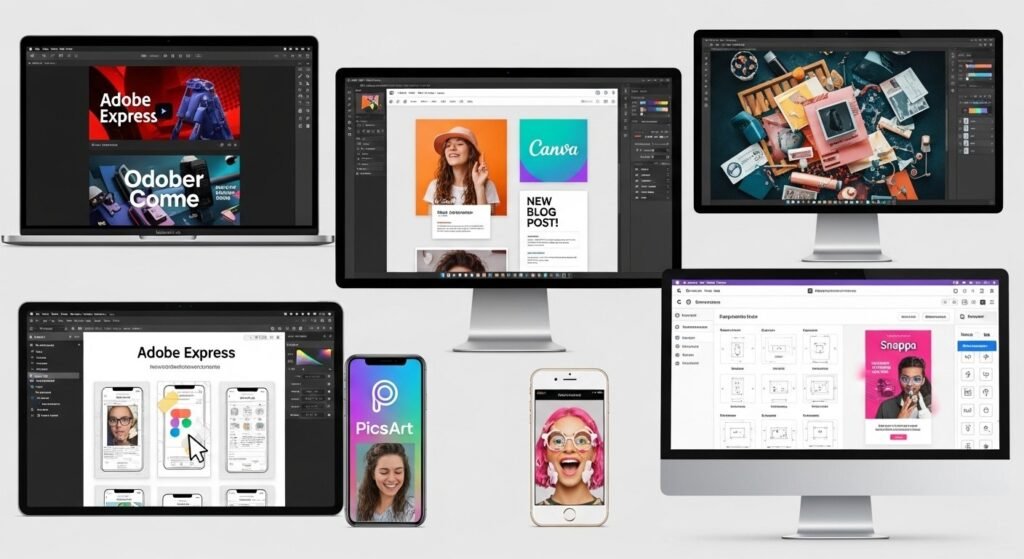
Most social media content starts with a graphic. These are the tools social media managers rely on for static images, branded posts, infographics, and ad creatives.
| Software | Best For | Pricing | Platform |
|---|---|---|---|
| Canva | Quick branded graphics, templates, social media posts | Free / Pro from ~$13/month | Web, iOS, Android |
| Adobe Photoshop | Advanced photo editing, layered design work | From ~$22/month | Windows, Mac |
| Adobe Express | Fast social creatives, resizing, branded kits | Free / Premium from ~$10/month | Web, iOS, Android |
| Figma | Design systems, collaborative content creation | Free / Pro from $12/month | Web, Windows, Mac |
| PicsArt | Quick mobile edits, filters, collages | Free / Gold from ~$5/month | iOS, Android |
| Snappa | Social media graphics with pre-set dimensions | Free / Pro from $10/month | Web |
Canva is by far the most widely used tool among social media managers, particularly those managing multiple clients. It has a large library of templates sized for every major platform, and the Pro version allows brand kits that keep fonts, colours, and logos consistent across all content.
Adobe Photoshop is the choice for teams that handle heavier design work, such as product photography edits or campaign creatives that go beyond what templates can offer.
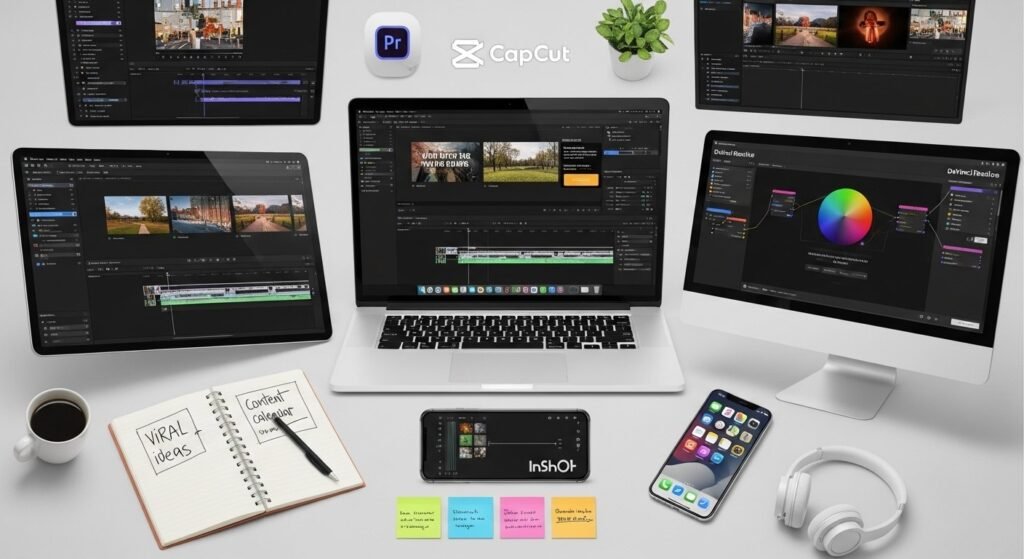
Video Editing Software
Short-form video is now the highest-performing content type across Instagram, TikTok, Facebook, and YouTube Shorts. Social media managers who handle video need tools that are fast to use and produce clean output.
| Software | Best For | Pricing | Platform |
|---|---|---|---|
| CapCut | Short-form video, Reels, TikTok edits | Free | Web, iOS, Android |
| Adobe Premiere Pro | Professional long and short-form video editing | From ~$23/month | Windows, Mac |
| DaVinci Resolve | Colour grading, cinematic edits | Free / Studio from $295 one-time | Windows, Mac, Linux |
| iMovie | Basic video editing for Mac and iPhone users | Free | Mac, iOS |
| InShot | Mobile-first short video edits | Free / Pro from ~$4/month | iOS, Android |
| Descript | Video editing with transcript-based cut tools | Free / Pro from $12/month | Windows, Mac |
| Final Cut Pro | Advanced Apple ecosystem video production | $299 one-time | Mac |
CapCut has become the dominant mobile video editor for social media managers producing Reels and TikToks. It is free, regularly updated with trending effects and auto-caption features, and does not require editing experience to produce a decent output.
Adobe Premiere Pro is the industry standard for agencies and managers handling higher-budget content. It integrates with the full Adobe suite, which is useful when the same team handles both graphics and video.
Scheduling and Content Management Tools With Built-In Editing
Some social media tools include basic editing features alongside scheduling, making them practical all-in-one options for busy managers.
| Tool | Editing Features | Best For | Pricing |
|---|---|---|---|
| Buffer | Image cropping, basic resizing | Small teams, simple scheduling | Free / Essentials from $6/month |
| Later | Visual content calendar, basic image editing | Instagram-focused managers | Free / Starter from $18/month |
| Hootsuite | Basic image editing, content composer | Multi-platform enterprise management | From $99/month |
| Sprout Social | Asset library, content tagging | Larger teams and agencies | From $249/month |
These tools are not replacements for dedicated design or video software. They complement the workflow by allowing managers to schedule, preview, and publish without switching between too many platforms.
AI-Powered Editing Tools
A growing number of social media managers are adding AI tools to their editing workflow. These tools speed up tasks that previously required manual effort.
| Tool | What It Does | Pricing |
|---|---|---|
| Adobe Firefly | AI image generation and generative fill | Included in Adobe plans |
| Remove.bg | Background removal from images | Free (limited) / paid plans |
| Runway | AI video editing, background removal, motion effects | Free / Standard from $15/month |
| Opus Clip | Auto-clips long videos into short viral cuts | Free / Pro from $15/month |
| Canva Magic Studio | AI text-to-image, magic eraser, background remover | Included in Canva Pro |
AI tools are particularly useful for repurposing content. A social media manager can take a 30-minute podcast or recorded webinar, run it through Opus Clip, and get six to eight short clips ready for posting without manual review of every frame.
Want real results from social media marketing? More followers, engagements, and consistent leads.
Audio Editing Tools
For social media managers handling podcasts, voiceovers, or video content that requires clean audio, basic audio editing is part of the job.
| Software | Best For | Pricing |
|---|---|---|
| Audacity | Voice recording, noise reduction, audio cleanup | Free |
| Adobe Audition | Professional audio editing and mixing | Included in Creative Cloud plans |
| Descript | Transcript-based audio and video editing | Free / Pro from $12/month |
| GarageBand | Simple audio recording and editing on Mac | Free |
Most social media managers do not need deep audio expertise. Removing background noise, adjusting volume levels, and trimming silence are the core tasks, and Audacity handles all of these at no cost.
What Software Stack Do Most Social Media Managers Actually Use?
The realistic day-to-day toolkit for a working social media manager in Nigeria or elsewhere typically looks like this:
| Content Type | Go-To Tool |
|---|---|
| Social media graphics | Canva |
| Short-form video (Reels, TikTok) | CapCut |
| Photo editing | Adobe Photoshop or PicsArt |
| Scheduling and publishing | Buffer, Later, or Hootsuite |
| Background removal | Remove.bg or Canva Pro |
| Long-form video | Adobe Premiere Pro or DaVinci Resolve |
| AI content repurposing | Opus Clip or Runway |
At SoniBaze Digital, the content team works across a combination of these tools to produce social media assets for clients across Abuja and Nigeria. The exact combination depends on the deliverable, but Canva and CapCut cover the majority of everyday content needs.
Frequently Asked Questions
Do social media managers need to know Photoshop?
Not necessarily. Most social media managers work primarily in Canva or Adobe Express, which handle the majority of graphic design tasks without requiring advanced technical skill. Photoshop becomes relevant when a manager works with an agency that handles campaign photography, product shoots, or creative work that requires precise image manipulation.
Is Canva good enough for professional social media management?
Yes, for most use cases. Canva Pro provides brand kits, a large asset library, background removal, and the ability to resize designs across multiple formats instantly. Many professional agencies in Nigeria use Canva as their primary tool for client social media content. It becomes limiting when clients require highly custom or print-grade design work.
What video editing software is best for beginners?
CapCut is the most accessible starting point for short-form video. It has auto-captions, templates, and trending effect packs that make it easy to produce polished Reels and TikToks without prior editing experience. For slightly longer content, iMovie on Mac is a simple option at no cost.
How much do these tools cost per month?
A functional social media editing toolkit can cost between $20 and $60 per month depending on the tools you choose. Canva Pro, CapCut (free), Buffer Essentials, and Remove.bg together cover most day-to-day needs at under $30 per month. Adobe Creative Cloud, which includes Photoshop, Premiere Pro, and Audition, runs from around $55 per month for the full suite.
Are there free editing tools that are actually good?
Yes. CapCut, Canva (free tier), Audacity, DaVinci Resolve, and Remove.bg all offer strong free versions. A social media manager starting out can build a capable toolkit without spending anything. The paid upgrades become worth it as volume and client demands increase.
What tools do social media managers use for video captions?
CapCut has auto-caption generation built in and is the most common choice. Descript also generates captions from transcripts, which is useful when accuracy matters more than speed. Adobe Premiere Pro supports third-party caption plugins, and Canva now includes basic caption tools in its video editor.
Conclusion: Build Your Toolkit Around Your Content Type
The editing software a social media manager uses is not one-size-fits-all. A manager focused on Instagram and TikTok has a very different toolkit than one handling YouTube or LinkedIn. The most important thing is to know which tools match the platforms you are managing and the content types your clients expect.
Start with Canva and CapCut. They cover the broadest range of tasks and have the shortest learning curve. Add specialised tools, such as Photoshop or Premiere Pro, as your workload grows or your clients require higher production quality.
SoniBaze Digital manages social media content for businesses across Abuja and Nigeria, including content design, video production, and full platform management.
Want real results from social media marketing? More followers, engagements, and consistent leads.